Compress Image for Passport Application
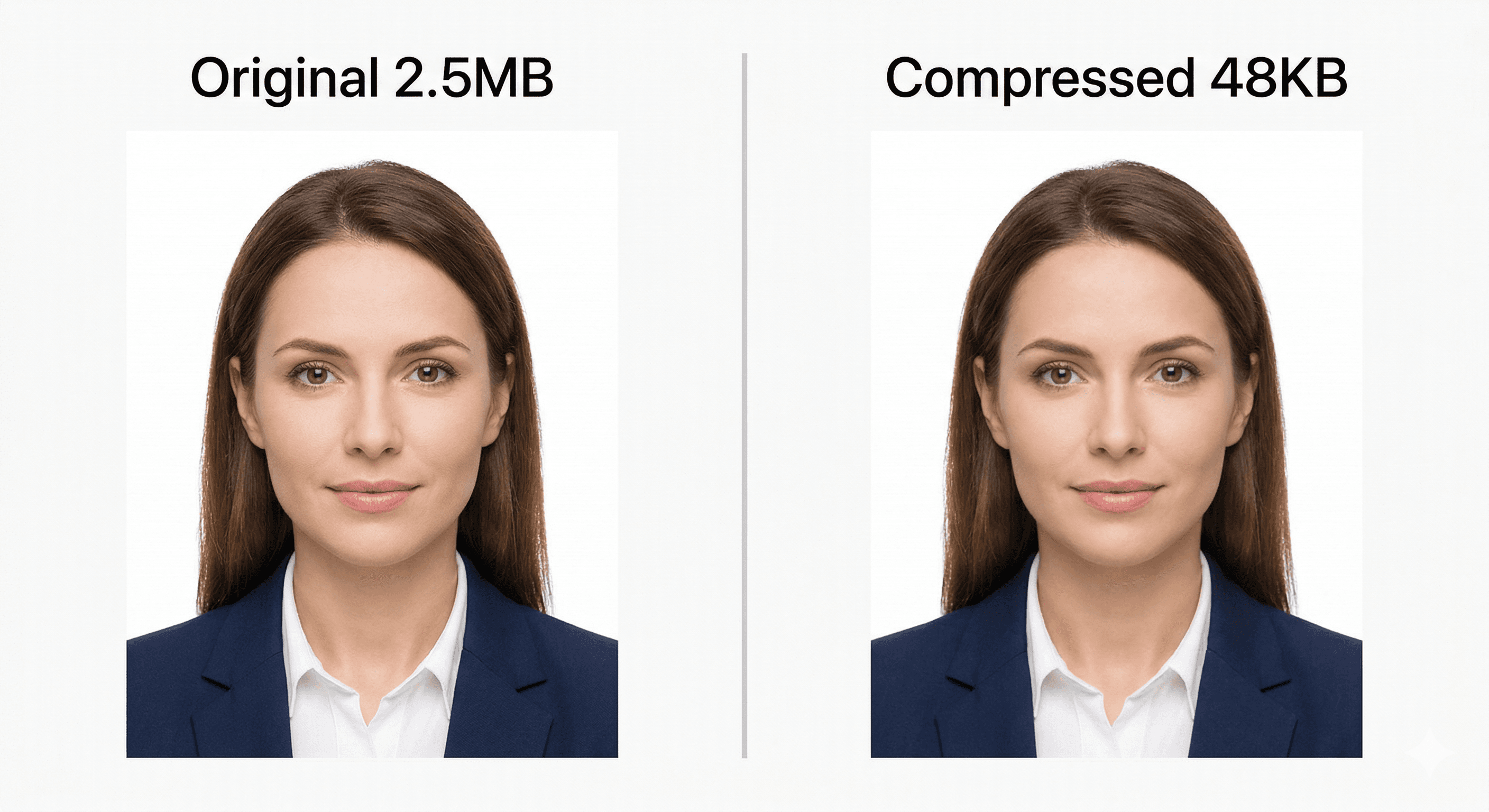
Compress passport and ID photos to meet government upload requirements without losing facial clarity. US passports need 240KB max, Indian portals need 10-50KB, UK accepts up to 10MB. Our tool targets under 100KB which works for most countries. 100% private, and images never leave your browser.
Drag & drop images here, or click to browse
One image or a whole folder - up to 100 files. Everything stays in your browser.
Need to resize your passport photo too?
Most passport applications require exact dimensions (600x600px for US, 35x45mm for UK/EU). Resize first, then compress.
Passport Photo File Size Requirements by Country (2026)
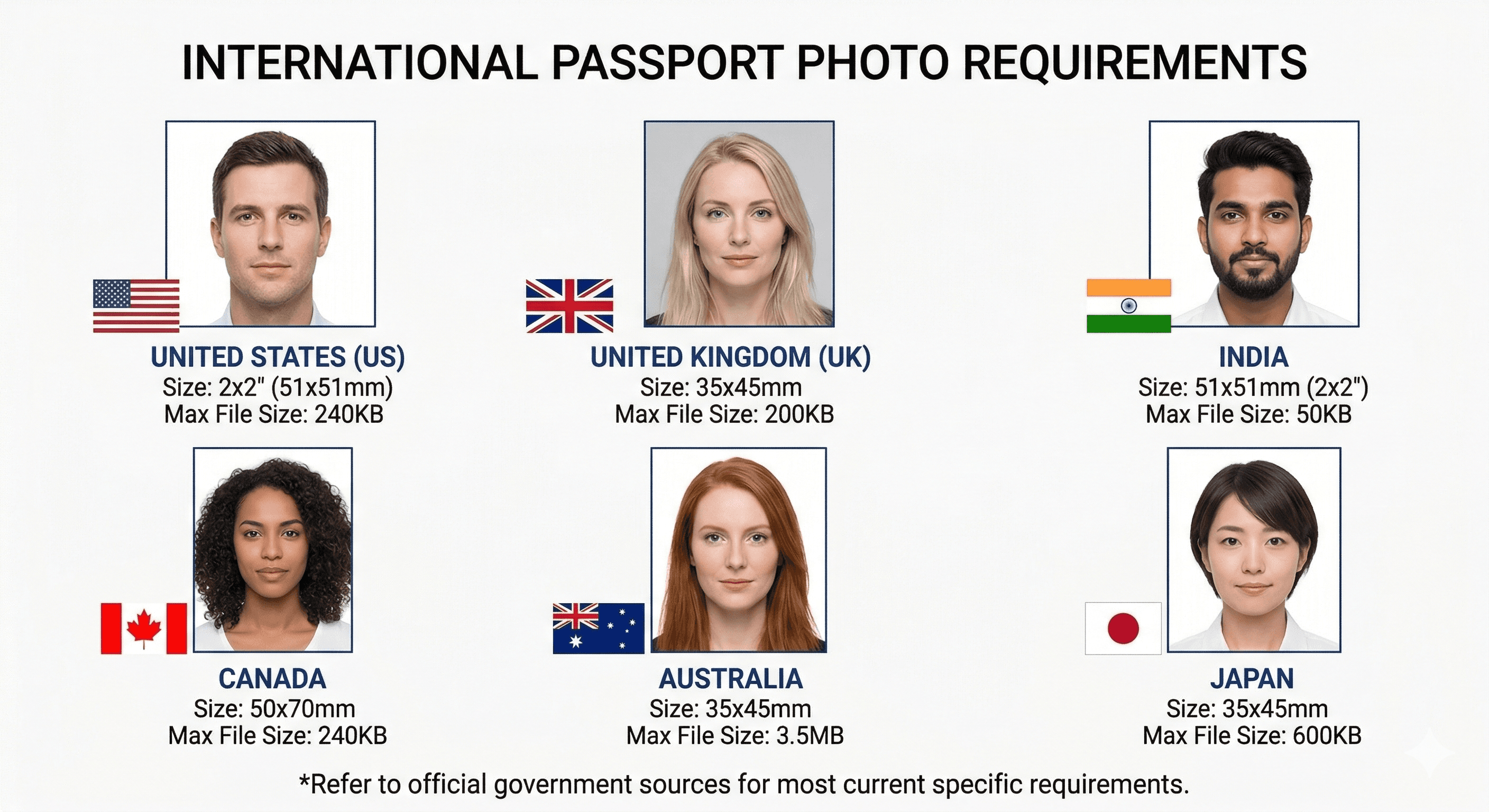
Requirements vary significantly by country. United States: 240KB maximum on most portals, 54KB minimum. JPEG format, 600x600 to 1200x1200 pixels. United Kingdom: 50KB to 10MB, JPEG or PNG, minimum 600x750 pixels. India (passport, visa, Aadhaar, exam portals): 10-100KB depending on the portal, stricter than most. Australia: 70KB to 3.5MB. Canada: 100-240KB. Schengen (Europe): typically 50-500KB.
The safest target that satisfies most countries is under 100KB at 600x600 pixels in JPEG format. For India specifically, many portals require 10-50KB, which requires more aggressive compression or smaller dimensions.
Why Passport Photos Get Rejected: The Real Reasons
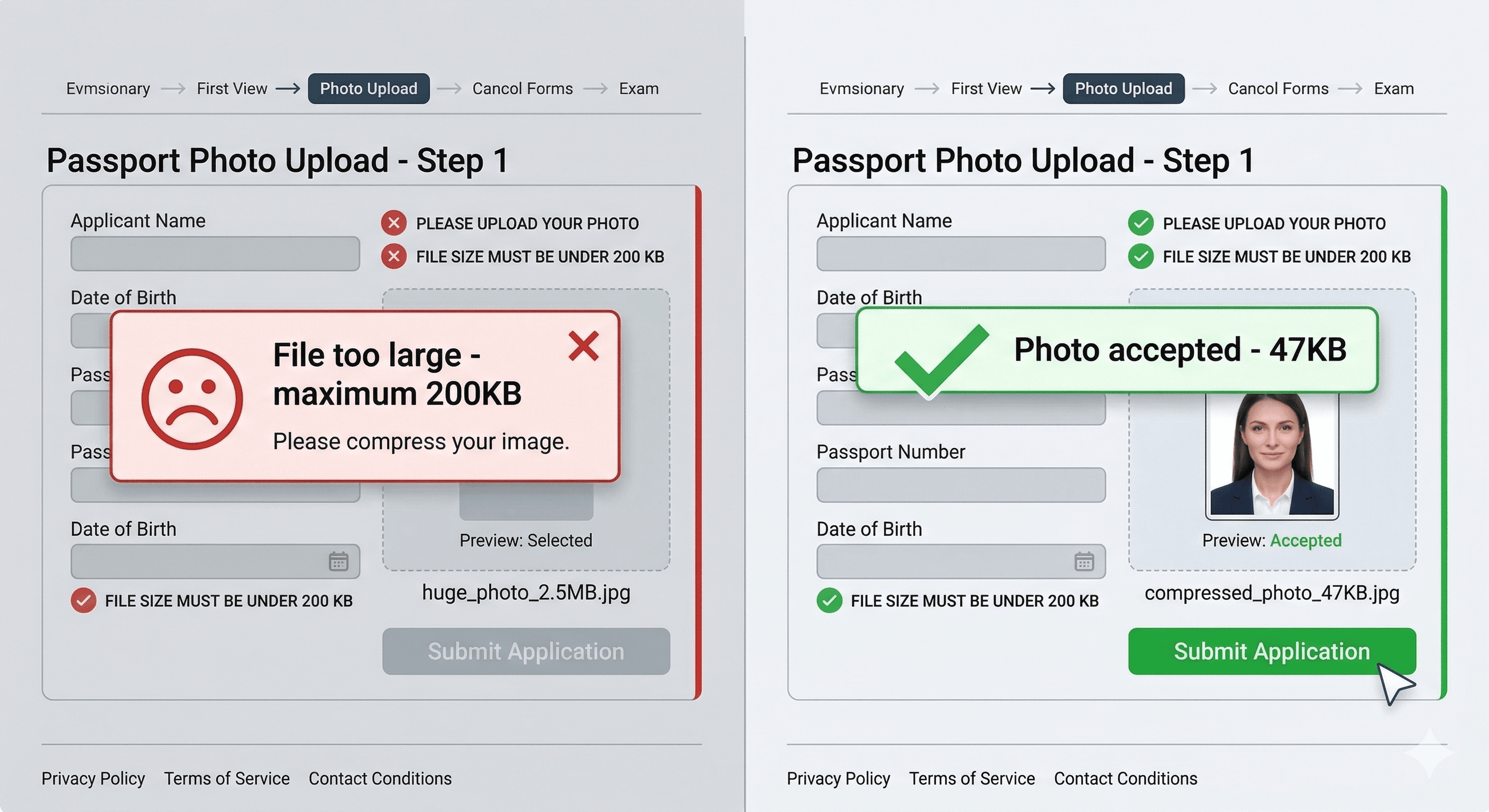
Government portals reject passport photos for two categories of reasons: technical and content-based. Technical rejections are usually file size (too large or too small), format (TIFF or BMP instead of JPG), or dimensions (too small).
Content-based rejections are about the photo itself: glasses (most countries now ban them), hat or head covering (unless religious), shadows on the face or background, background not plain white or off-white, head not centered, eyes partially closed, or the photo being more than 6 months old.
Our compressor only addresses the file size issue. Check your country's specific content requirements before submitting.
Privacy and Security for Passport Photo Compression
Passport photos contain biometric data, facial geometry that can be used to identify you. Most online compression tools upload your photos to their servers, where they may be stored, analyzed, or accessed by third parties.
AllImgTools compresses entirely in your browser. Your passport photo never leaves your device. There is no server, no storage, no account. After you close the browser tab, the image is gone. This is the safest way to compress sensitive identity documents online, identical security to using desktop software, but accessible from any device without installation.
Frequently Asked Questions
Other Compression Targets
to 100KB
Target: to 100KB
to 200KB
Target: to 200KB
to 500KB
Target: to 500KB
to 2MB
Target: to 2MB
JPG/JPEG Image
Optimized preset
PNG Image
Optimized preset
for Email Attachment
Optimized preset
for Website
Optimized preset
WebP Image
Optimized preset
for Instagram
Optimized preset
for Discord
Optimized preset
GIF Image
Optimized preset
to 5KB
Target: to 5KB
to 40KB
Target: to 40KB
to 50KB
Target: to 50KB
to 20KB
Target: to 20KB
to 10KB
Target: to 10KB
to 1MB
Target: to 1MB